
Leírás
Removes the @user autocomplete feature from the block editor. By default on Gutenberg, when you type @, the block editor performs a search through the users of your WordPress install to suggest you to „@-mention” them (see animated screenshot below for a demo of the default feature). It can be annoying when you are writing email addresses in the editor. This plugin removes the feature from the editor.
Képernyőmentések
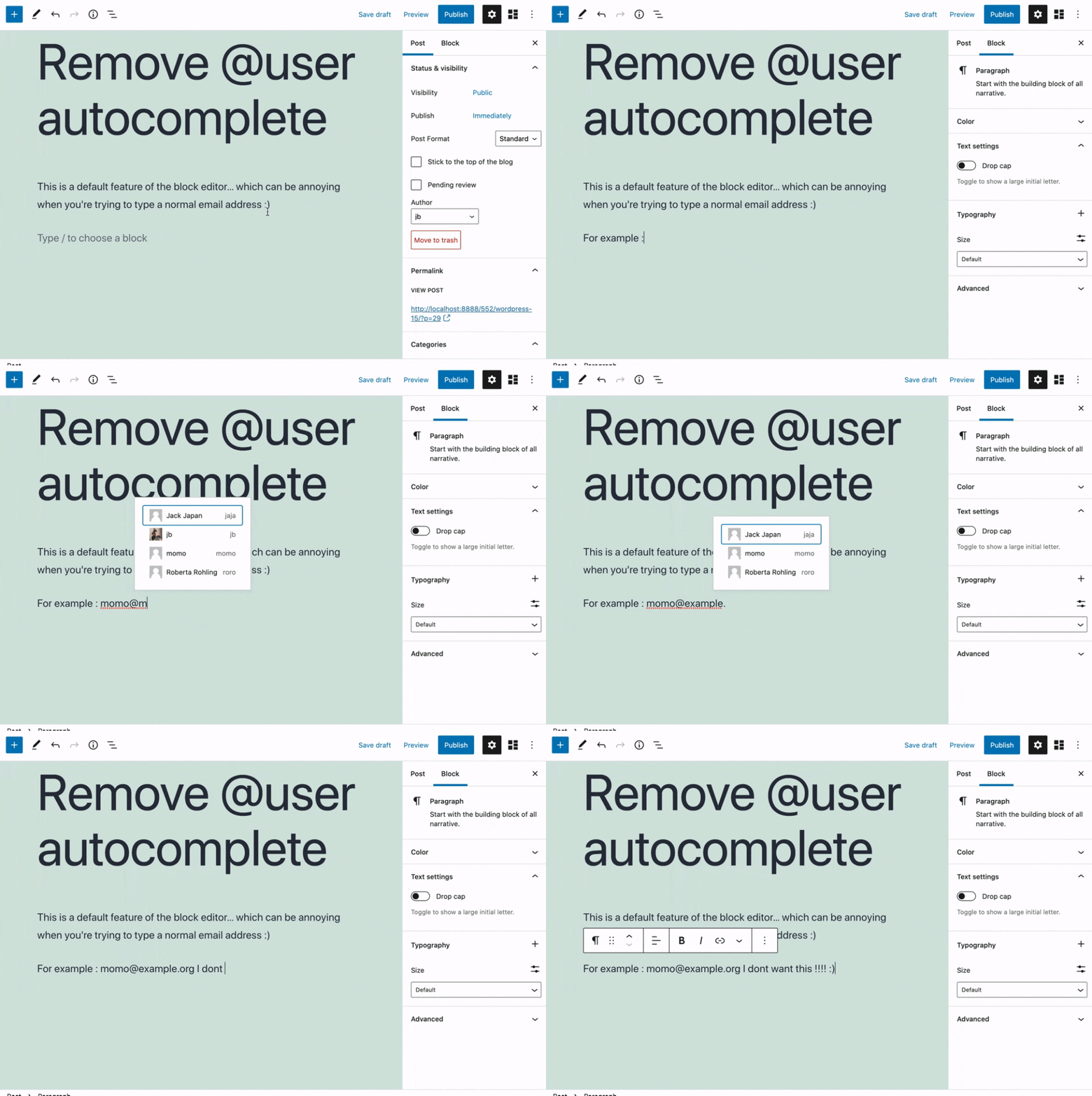
This plugin removes the default Gutenberg user autocomplete feature.
Telepítés
- Install the plugin and activate it in your WordPress Admin.
- That’s all! No settings needed.
Vélemények


Közreműködők és fejlesztők
“Remove @User Autocomplete from Block Editor” egy nyílt forráskódú szoftver. A bővítményhez a következő személyek járultak hozzá:
Közreműködők
“Remove @User Autocomplete from Block Editor” 1 nyelvre lett lefordítva. Köszönet a fordítóknak az áldozatos munkájukért!
“Remove @User Autocomplete from Block Editor” fordítása a saját nyelvünkre.
Érdekeltek vagyunk a fejlesztésben?
Browse the code, check out the SVN repository, or subscribe to the development log by RSS.
Változási napló
0.1
- Plugin initial release. Works fine 🙂