
Leírás
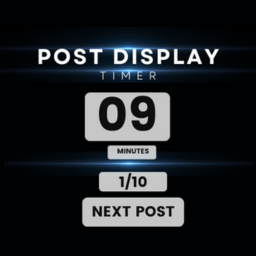
Post Display Timer is a powerful WordPress plugin that allows you to control how long visitors spend reading each post on your website. Perfect for research studies, timed reading exercises, or controlled content presentation.
🔥 Key Features
- Set custom timer duration for posts
- Enable/disable countdown display
- Optional start button for user control
- Set number of posts to display
- Random post order option
- Completion code generation
- Multiple tab prevention
- Custom post URL support
- Mobile-friendly and responsive
Képernyőmentések


Telepítés
- Upload the plugin files to the
/wp-content/plugins/post-view-timerdirectory, or install the plugin through the WordPress plugins screen directly - Activate the plugin through the ‘Plugins’ screen in WordPress
- Go to ‘Post View Timer’ in your WordPress admin menu to configure the settings
GYIK
-
Can I customize the timer duration?
-
Yes, you can set any custom duration in seconds for how long each post should be displayed.
-
Does it work with any post type?
-
Yes, the plugin works with standard posts and custom post types.
-
Can I prevent users from opening multiple tabs?
-
Yes, there’s a built-in feature to prevent users from viewing posts in multiple tabs simultaneously.
-
Is it possible to randomize the post order?
-
Yes, you can enable random post ordering in the plugin settings.
Vélemények
Nincsenek értékelések erről a bővítményről.
Közreműködők és fejlesztők
“Post Display Timer” egy nyílt forráskódú szoftver. A bővítményhez a következő személyek járultak hozzá:
Közreműködők
“Post Display Timer” fordítása a saját nyelvünkre.
Érdekeltek vagyunk a fejlesztésben?
Browse the code, check out the SVN repository, or subscribe to the development log by RSS.
Változási napló
1.0.0
- Initial release