
Leírás
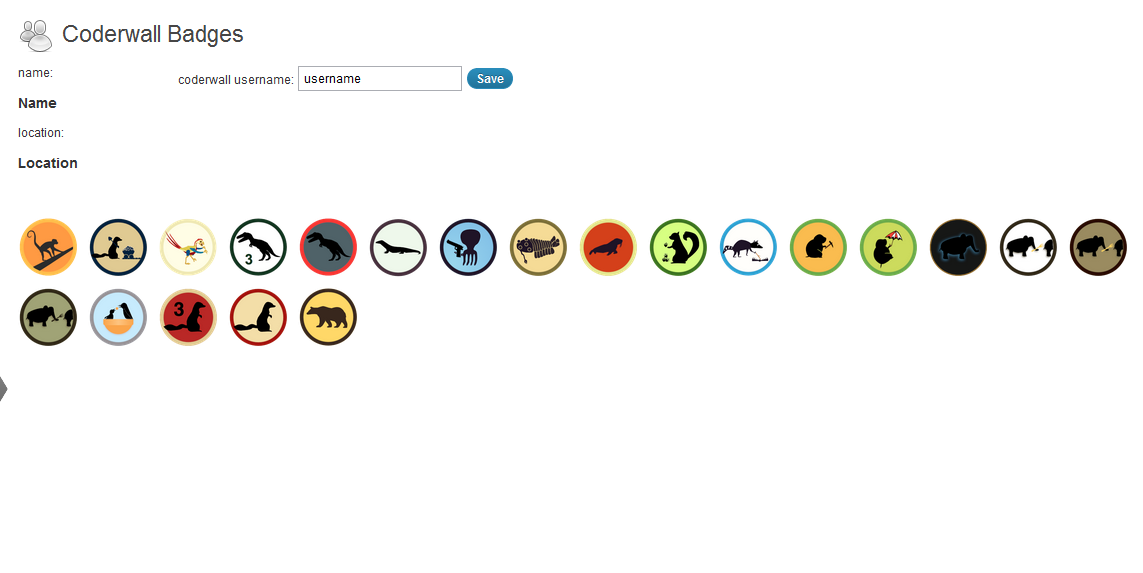
This simple plugin lets you get your Coderwall badges and show them on your blog.
Install, activate the plugin and set your username in the CW Badges Panel.
You can display your badges using the [cwbadges] shortcode inside your pages/posts.
There’s also a widget which waits to be activated by you in the theme options.
Képernyőmentések
Telepítés
- Upload my-coderwall-badges directory to the
/wp-content/plugins/directory - Activate the plugin through the ‘Plugins’ menu in WordPress
- Copy the style in
css/style.cssto your theme’s stylesheet and adapt it to your needs.
Vélemények

2016.09.03.
you shouldn’t need sslverify => false:
$cwbadges = wp_remote_get('https://coderwall.com/'.$this->username.'.json', array( 'sslverify' => false));
You should also html escape the data coming from coderwall before using it in HTML:
foreach($cwbadges->badges as $badge){
$badges_string.='<img class="cwbtip" src="'.$badge->badge.'"
alt="'.$badge->name.'" title="'.$badge->description.'" />';
}
$badges_string.='</div>';
Also, you should apply some filtering on the username and endorsement before using them. Not a big deal, just good practices.
Thanks for the awesome work anyway 🙂
Közreműködők és fejlesztők
“My Coderwall Badges” egy nyílt forráskódú szoftver. A bővítményhez a következő személyek járultak hozzá:
Közreműködők
“My Coderwall Badges” fordítása a saját nyelvünkre.
Érdekeltek vagyunk a fejlesztésben?
Browse the code, check out the SVN repository, or subscribe to the development log by RSS.
Változási napló
0.6
- fixed ssl verification issue (thanks to tmeinlschmidt)
0.5
- Added option to show Coderwall endorsements (http://coderwall.com/blog/2012-01-16-the-hacker-version-of-an-embeddable-social-button) (thanks to picandocodigo)
0.4
- German translation (thanks to bountin)
0.3
- Added a simple widget. (thanks to picandocodigo)
0.2
- Minor fixes, added shortcode, removed curl functions.
0.1
- First release.