

Leírás
Flowplayer/WordPress plugin is an extremely simple tool to embed videos on your WP site. The videos are embedded directly on your pages without leaving WordPress and without writing any HTML code. The plugin works seamlessly with both Gutenberg and the classic editor.
Your videos are played with the best possible quality and speed regardless of the end-user device and the quality is automatically switched when the connection speed changes. The player design is highly customizable and minimalistic so that the video is the start of the show — not the player.
Képernyőmentések


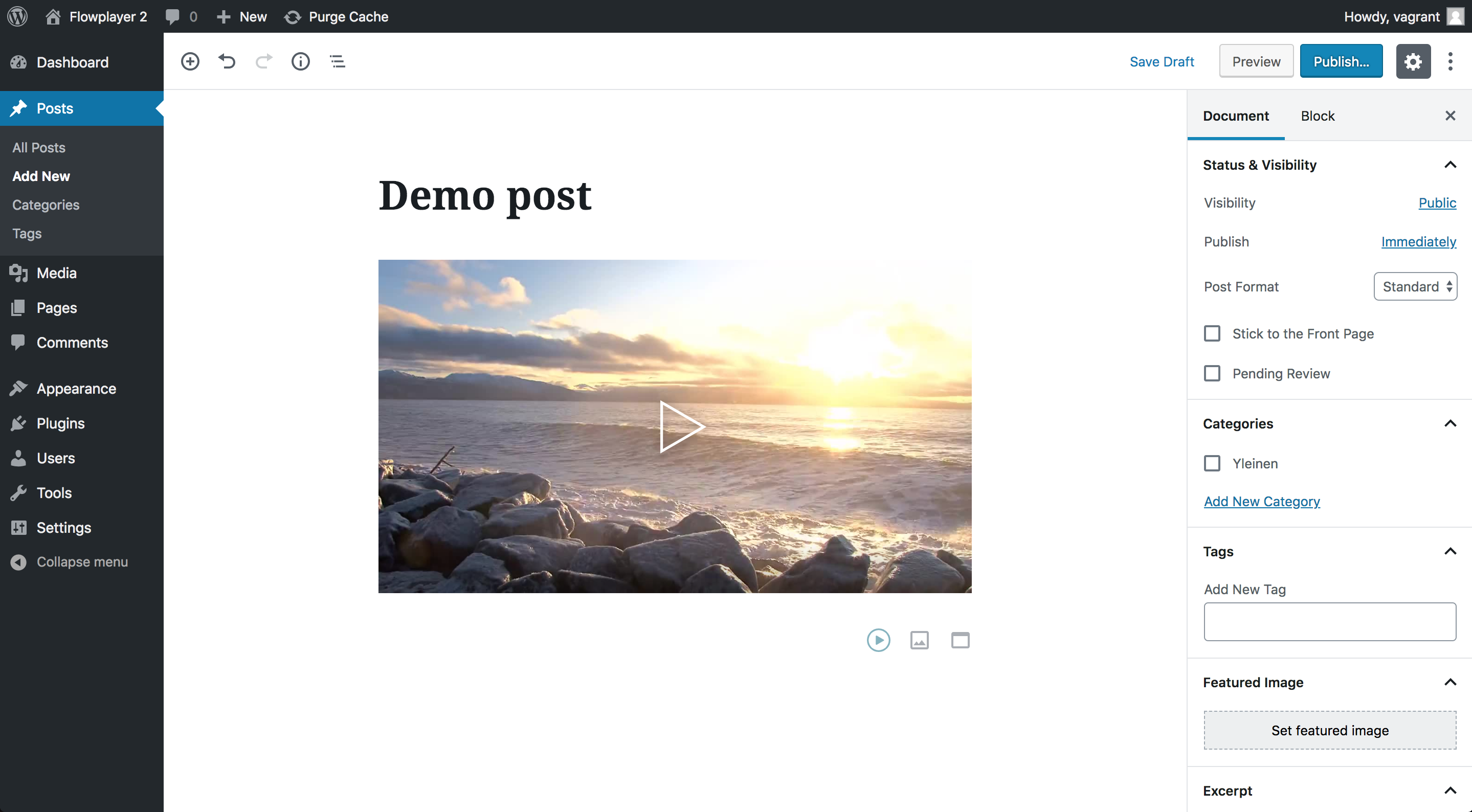
Blokkok
This plugin provides 1 block.
- Flowplayer
Telepítés
Configure API keys
- Navigate to Settings -> Flowplayer Embed
- Find your Site ID and API key from your Flowplayer app workspace settings page. You can follow the link from the settings page.
- Copy the Site ID and API key to corresponding fields
- Save settings
GYIK
-
Where do I upload, configure and manage my videos and players?
-
Log in to your account in flowplayer.com handle all the video management, this plugin is here to help you with the embeds.
-
I can’t find the videos in my classic editor, where are they?
-
To embed video with classic editor click the „Add media” button and from the left side panel choose Add Flowplayer Embed.
Vélemények
Nincsenek értékelések erről a bővítményről.
Közreműködők és fejlesztők
“Flowplayer Platform Embed” egy nyílt forráskódú szoftver. A bővítményhez a következő személyek járultak hozzá:
Közreműködők

“Flowplayer Platform Embed” 1 nyelvre lett lefordítva. Köszönet a fordítóknak az áldozatos munkájukért!
“Flowplayer Platform Embed” fordítása a saját nyelvünkre.
Érdekeltek vagyunk a fejlesztésben?
Browse the code, check out the SVN repository, or subscribe to the development log by RSS.
Változási napló
0.3.0 – 31 Aug 2020
- Add embedding playlists
- Add embedding livestreams (only for Enterprise users)
- Fix issue where the browse dialog was left in empty state
0.2.0 – 28 Feb 2019
- Introduce Gutenberg block