
Leírás
This is a (very) simple plugin for embedding a Google Analytics (GA) tracking code in your site. It has two features:
- It stores the GA code as a site setting. This means no modifying theme files, which is especially useful in a Multisite context;
- The GA code is NOT inserted for logged-in users, meaning you won’t run up your visitor counts as you administer your site;
And that’s it! It works with Google’s „Asynchronous” tracking code, which goes in the page’s head.
Képernyőmentések
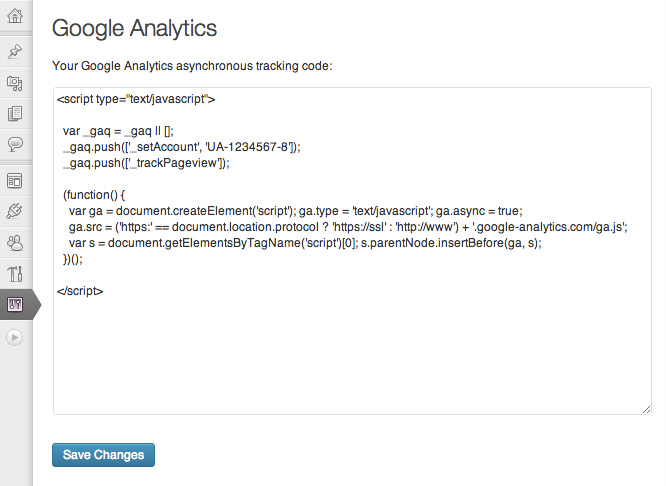
Paste your Google Analytics tracking code into the box
Telepítés
- Install and activate the plugin, in the normal way;
- Go to Google Analytics and follow the various steps to generate your tracking code. Copy the entire tracking code to your clipboard;
- From your site’s Dashboard, navigate to Settings -> Google Analytics;
- Paste your tracking code into the large box and click „Save Changes”;
That’s it!
Vélemények
Nincsenek értékelések erről a bővítményről.
Közreműködők és fejlesztők
“Carolyn Google Analytics” egy nyílt forráskódú szoftver. A bővítményhez a következő személyek járultak hozzá:
Közreműködők
“Carolyn Google Analytics” fordítása a saját nyelvünkre.
Érdekeltek vagyunk a fejlesztésben?
Browse the code, check out the SVN repository, or subscribe to the development log by RSS.