
Leírás
It’s simple, if you own a page in Google Business, go to the page with all the reviews about your product or services, copy the link to the review (which will appear after clicking the sharing button) and paste this link into the Getting feedback from Google Reviews field of the SDStudio Google Reviews entry (this type of entries will appear after installing the plugin). Next, click the Get feedback button and download the feedback review.
What can the plugin do:
- Download review
- Download the name of the reviewer
- Uploading a photo of the person who left the review
- Getting the number of stars in a review
- Getting the finished type of review, almost like in Google
Képernyőmentések
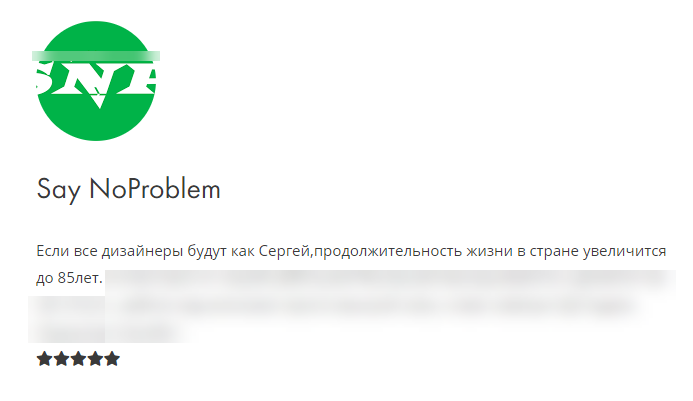
The appearance of the record after downloading and posting reviews 
Type of download and review editor (custom post type) 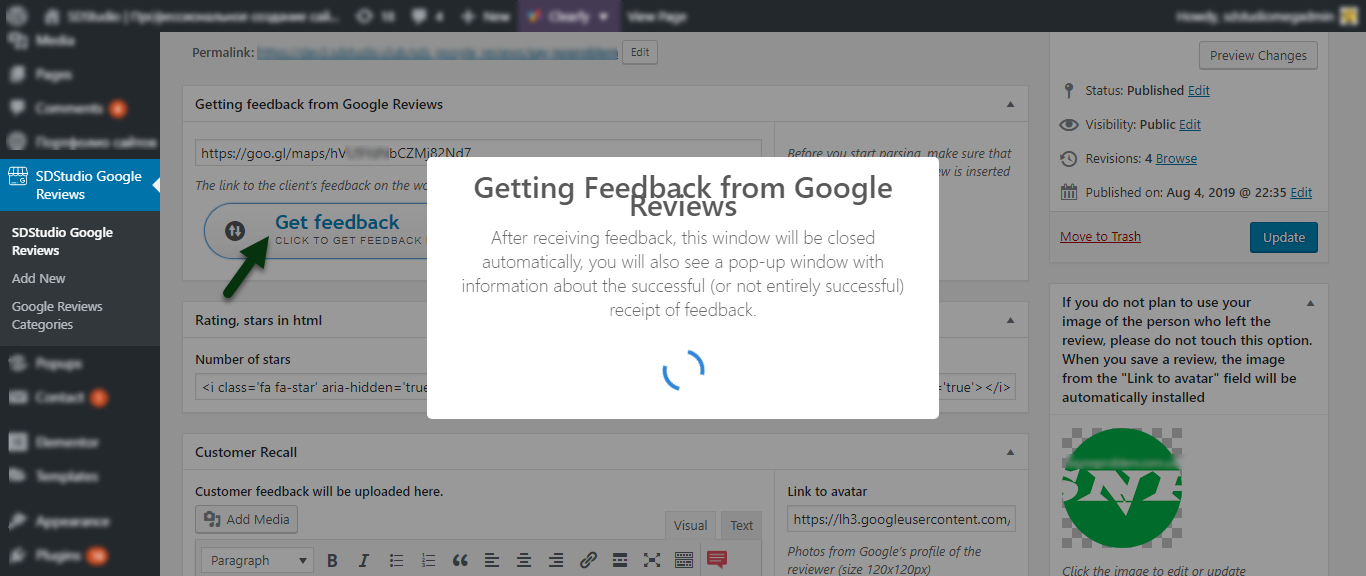
Downloading feedback 
Alert that the review was successfully downloaded 
Notification of receipt of feedback 
How to get a review link from Google Reviews
Telepítés
- Before using the plugin, install the Carbon Fields plugin (Without Carbon Fields, this plugin will not work).
- Upload plugin to the
/wp-content/plugins/directory - Activate the plugin through the ‘Plugins’ menu in WordPress
GYIK
- Can this plugin earn without Carbon Fields?
-
Unfortunately no, the plugin will not work
- How long does it take to load a review?
-
Carefully look at the sixth screenshot, there I indicated the arrows and numbers, I hope you can figure it out. If not, you can write to me.
Vélemények
Nincsenek értékelések erről a bővítményről.
Közreműködők és fejlesztők
“SDStudio Google Reviews for portfolio” egy nyílt forráskódú szoftver. A bővítményhez a következő személyek járultak hozzá:
Közreműködők
“SDStudio Google Reviews for portfolio” 1 nyelvre lett lefordítva. Köszönet a fordítóknak az áldozatos munkájukért!
“SDStudio Google Reviews for portfolio” fordítása a saját nyelvünkre.
Érdekeltek vagyunk a fejlesztésben?
Browse the code, check out the SVN repository, or subscribe to the development log by RSS.
Változási napló
1.0.1
- Fix text Domain
1.0.1
- Fix code
1.0
- Creating a plugin for publication at the repository