
Leírás
Logicrays AI FAQ Builder revolutionizes how you create and manage FAQs on your WordPress website. Using advanced AI technology, the plugin automatically generates relevant, helpful FAQs based on your content, saving you hours of manual work.
Key Features
- AI-Powered Generation: Automatically creates FAQs using OpenAI or Google Gemini
- Multiple Display Styles: Choose from accordion, simple list, cards, or tabs
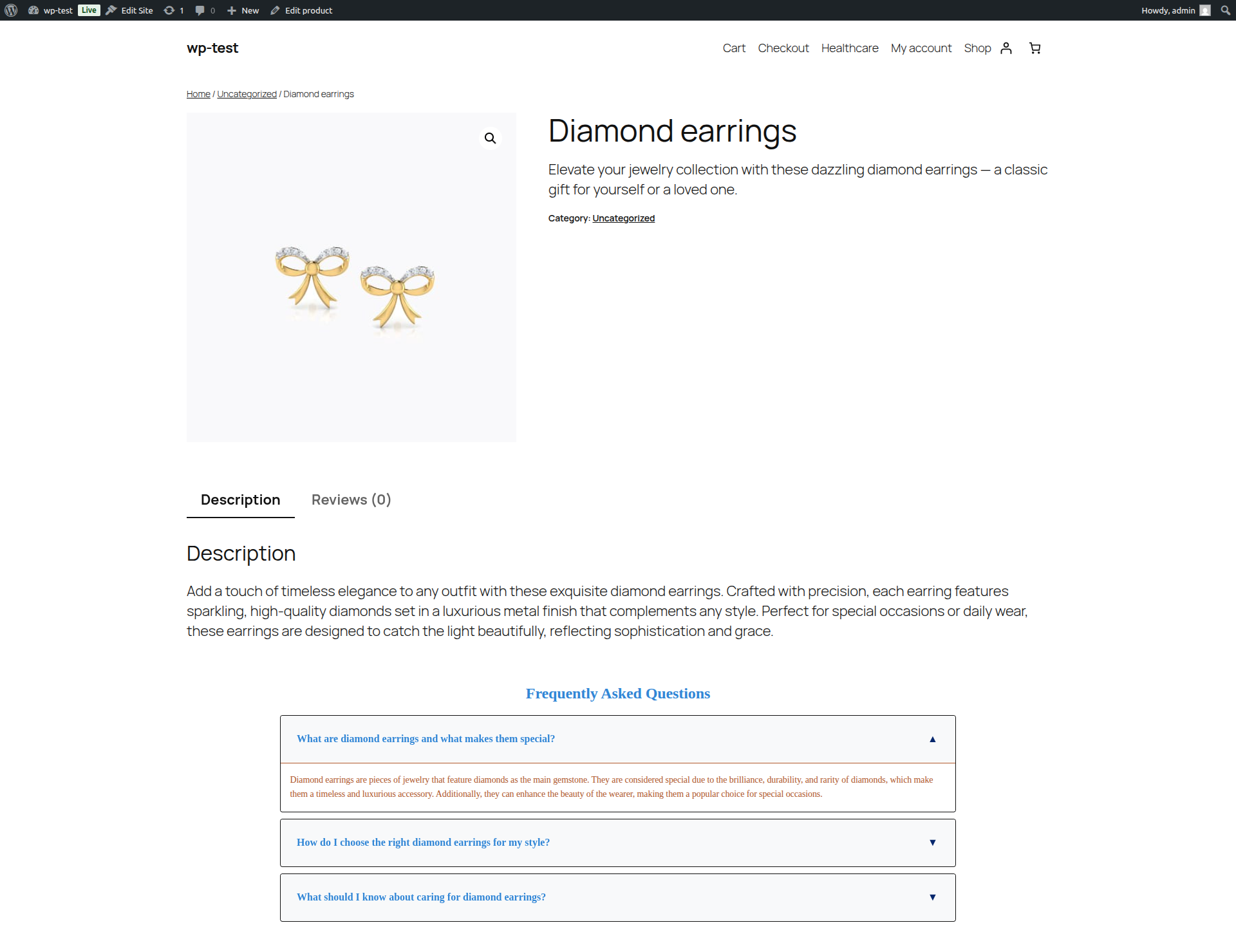
- WooCommerce Integration: Perfect for product pages and e-commerce sites
- Shortcode Support: Use
[logicrays_ai_faq_builder](alias:[logrfaq_builder]) and[logrfaq_group](alias:[logicrays_ai_faq_group]) - Customizable Design: Full control over colors, fonts, animations, and layout
- Accessibility Compliant: WCAG 2.1 AA standards with proper ARIA attributes
- Responsive Design: Works perfectly on all devices and screen sizes
Display Options
- Accordion Style: Classic expandable/collapsible FAQ items
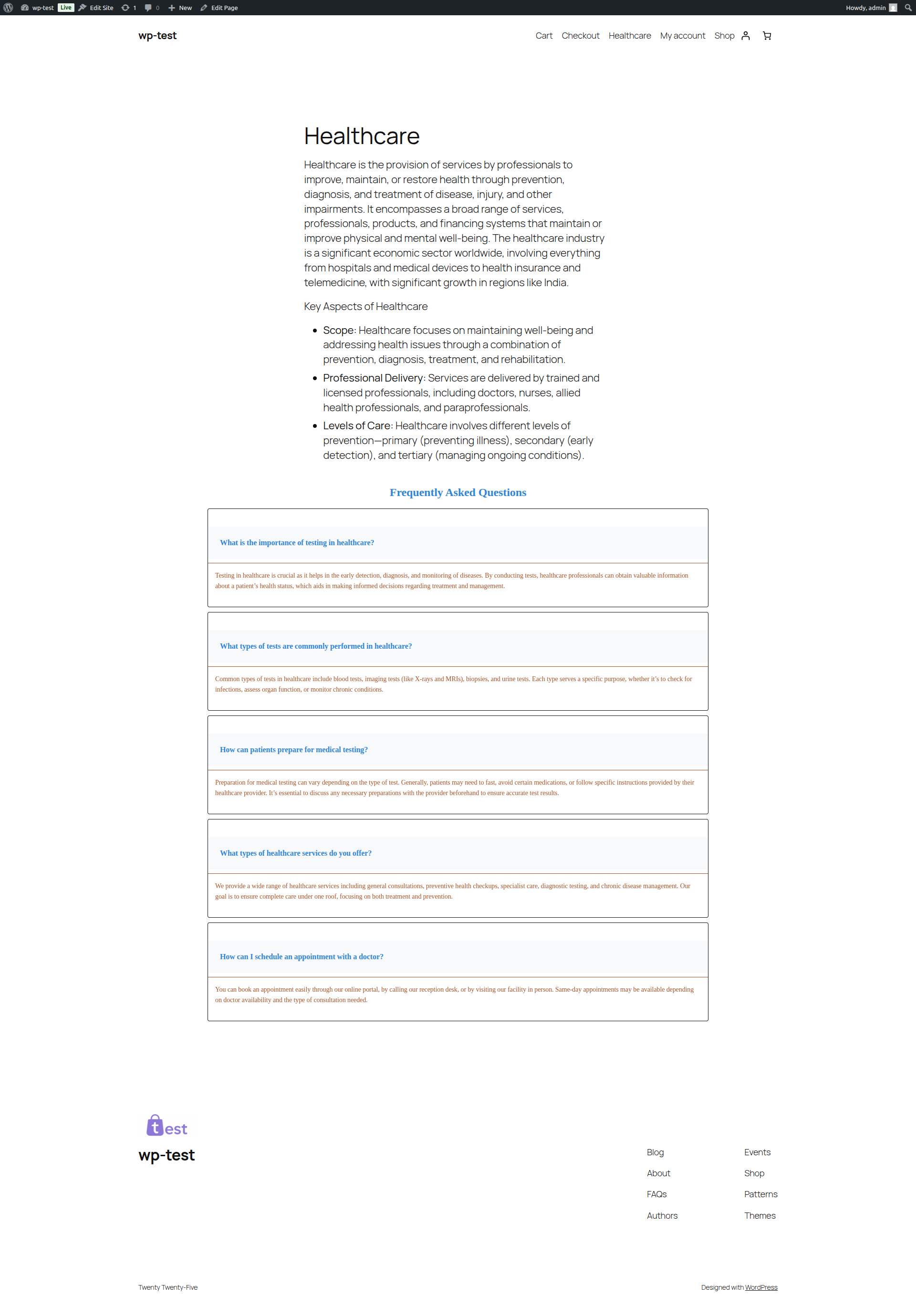
- Simple List: Clean, minimal design with all answers visible
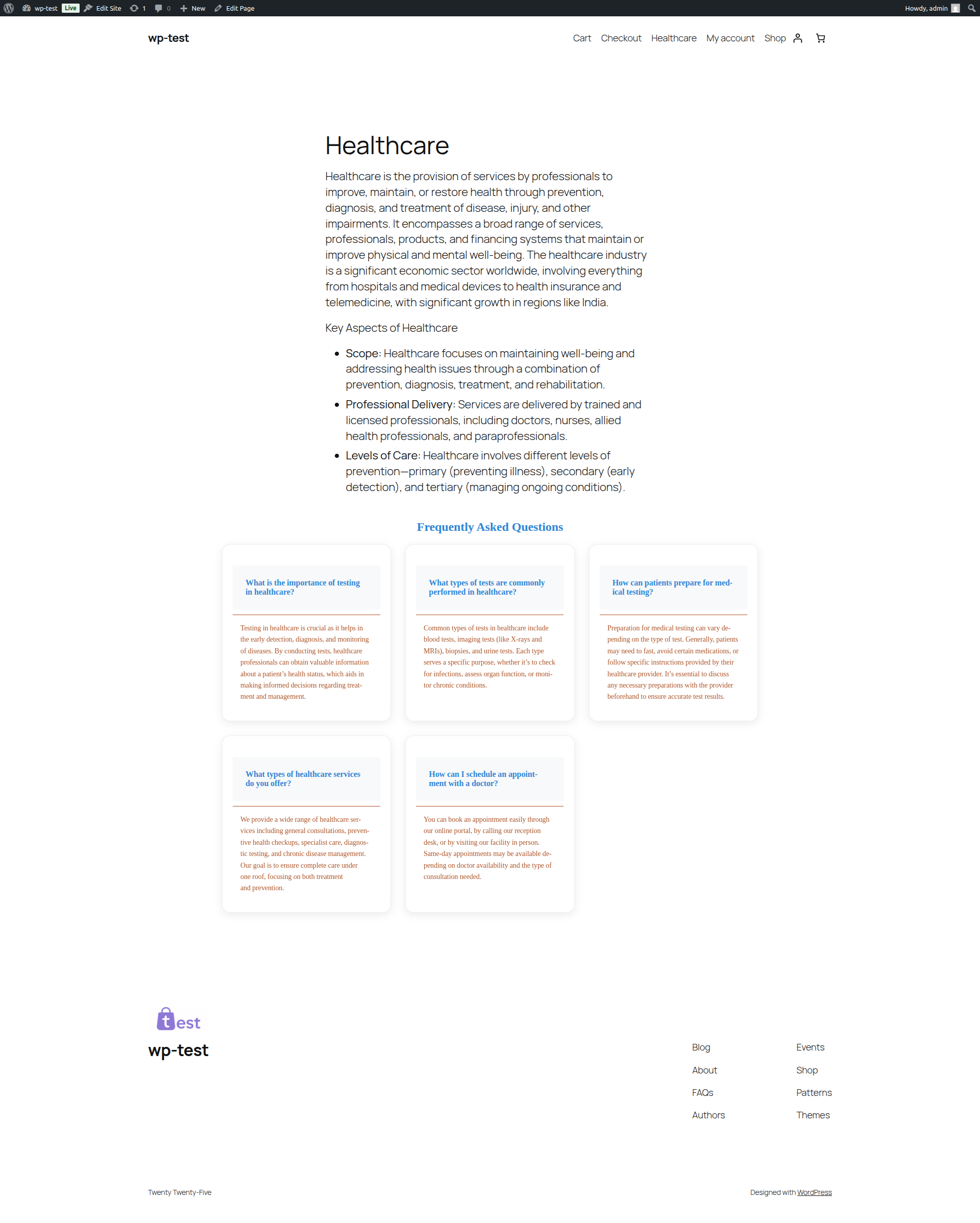
- Cards Layout: Modern card-based design for visual appeal
- Tabs Interface: Tabbed navigation for organized content
Use Cases
- E-commerce Sites: Product FAQs, shipping information, return policies
- Business Websites: Company information, services, contact details
- Blogs: Topic-specific FAQs, reader questions, content clarification
- Educational Sites: Course information, student resources, policies
- Support Sites: Help documentation, troubleshooting guides
Easy Integration
Simply use the shortcode [logicrays_ai_faq_builder] (or [logrfaq_builder]) in any post or page. You can also create FAQ Groups and display them with [logrfaq_group id="123"].
External services
This plugin connects to third-party AI APIs to generate FAQs and fetch available model lists.
OpenAI API: API Reference Overview
* Service purpose: Generate FAQs and fetch available OpenAI models.
* Data sent: API key (Authorization header), content context you submit for FAQ generation (for example post title/description/content snippets), selected model and generation parameters.
* When sent: When you test the connection, refresh model list, or generate FAQs.
* Terms: https://openai.com/policies/terms-of-use
* Privacy: https://openai.com/policies/privacy-policy
Google Gemini API https://gemini.google.com/app
* Service purpose: Generate FAQs and fetch available Gemini models.
* Data sent: API key, content context you submit for FAQ generation (for example post title/description/content snippets), selected model and generation parameters.
* When sent: When you test the connection, refresh model list, or generate FAQs.
* Terms: https://policies.google.com/terms
* Privacy: https://policies.google.com/privacy
Privacy & Security
- API keys are stored securely in the WordPress database
- No FAQ data is sent to third parties except your chosen AI provider
- GDPR compliant with proper data handling
- Regular security updates and vulnerability patches
- No tracking or analytics without explicit consent
Credits
Developed by Logicrays – Your trusted WordPress development partner.
License
This plugin is licensed under the GPL v2 or later.
Technical Requirements
- WordPress 6.5 or higher
- PHP 7.4 or higher
- MySQL 5.6 or higher
- Modern web browser
- HTTPS recommended for API calls
Képernyőmentések
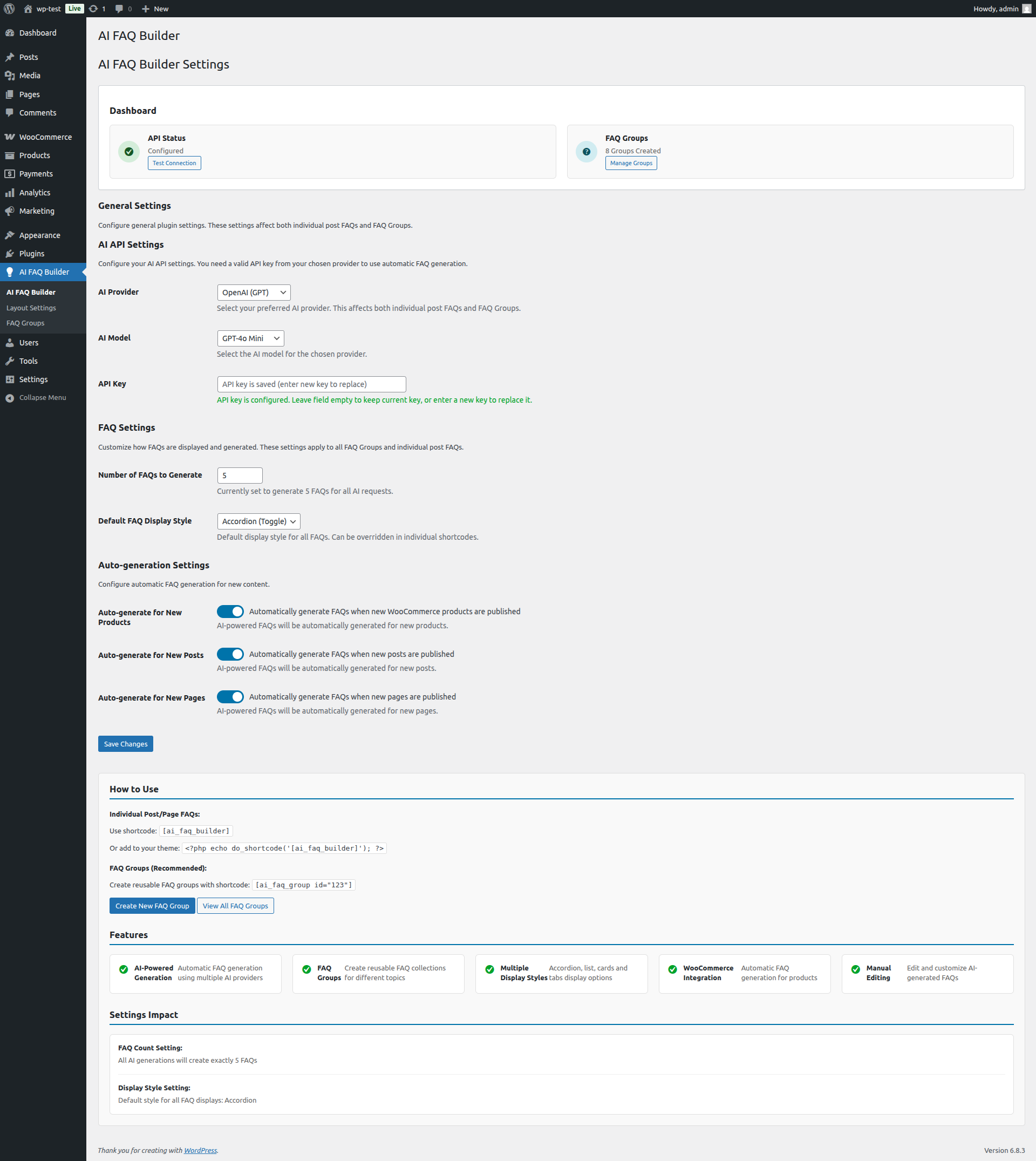
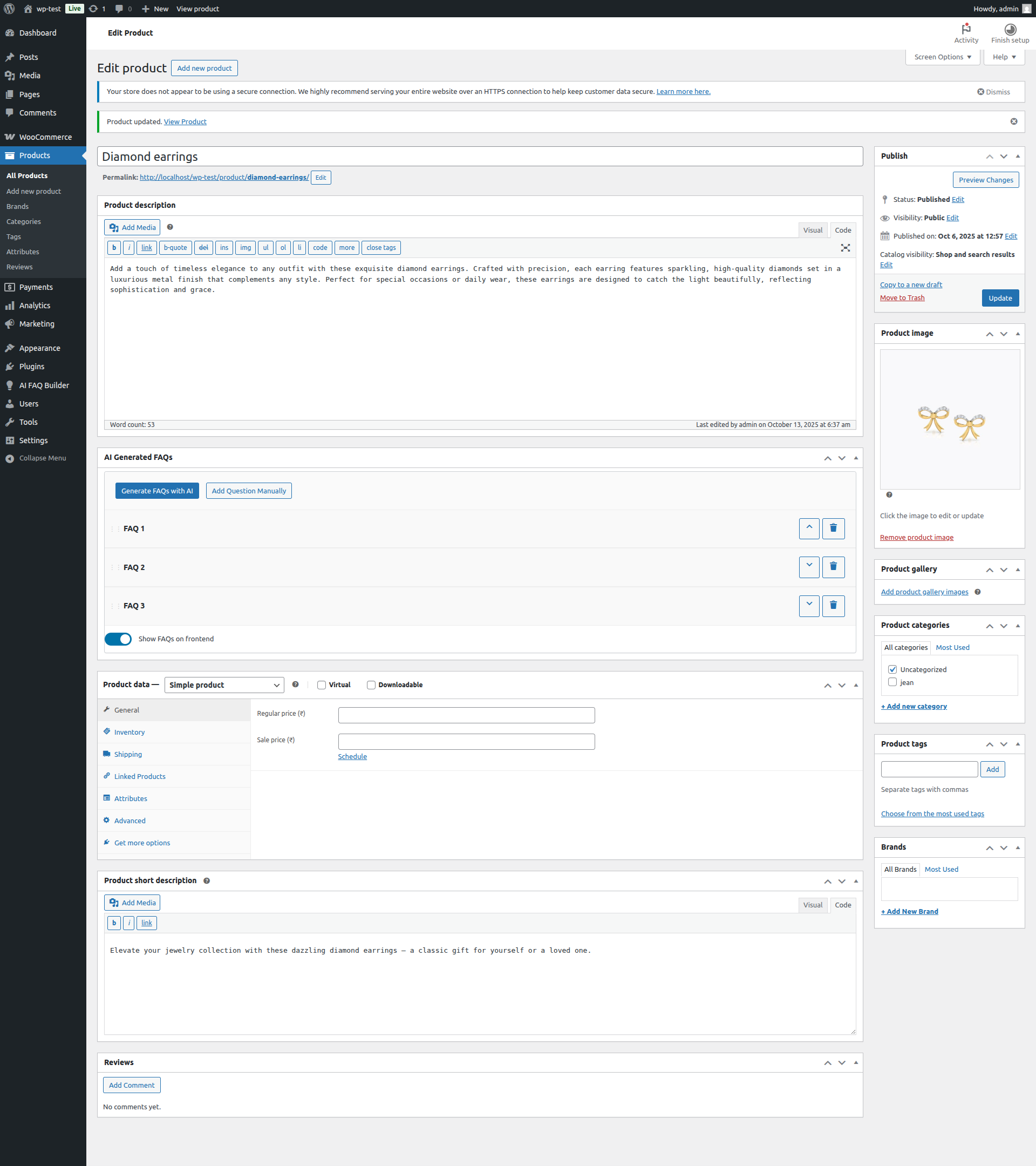
AI FAQ Builder admin interface 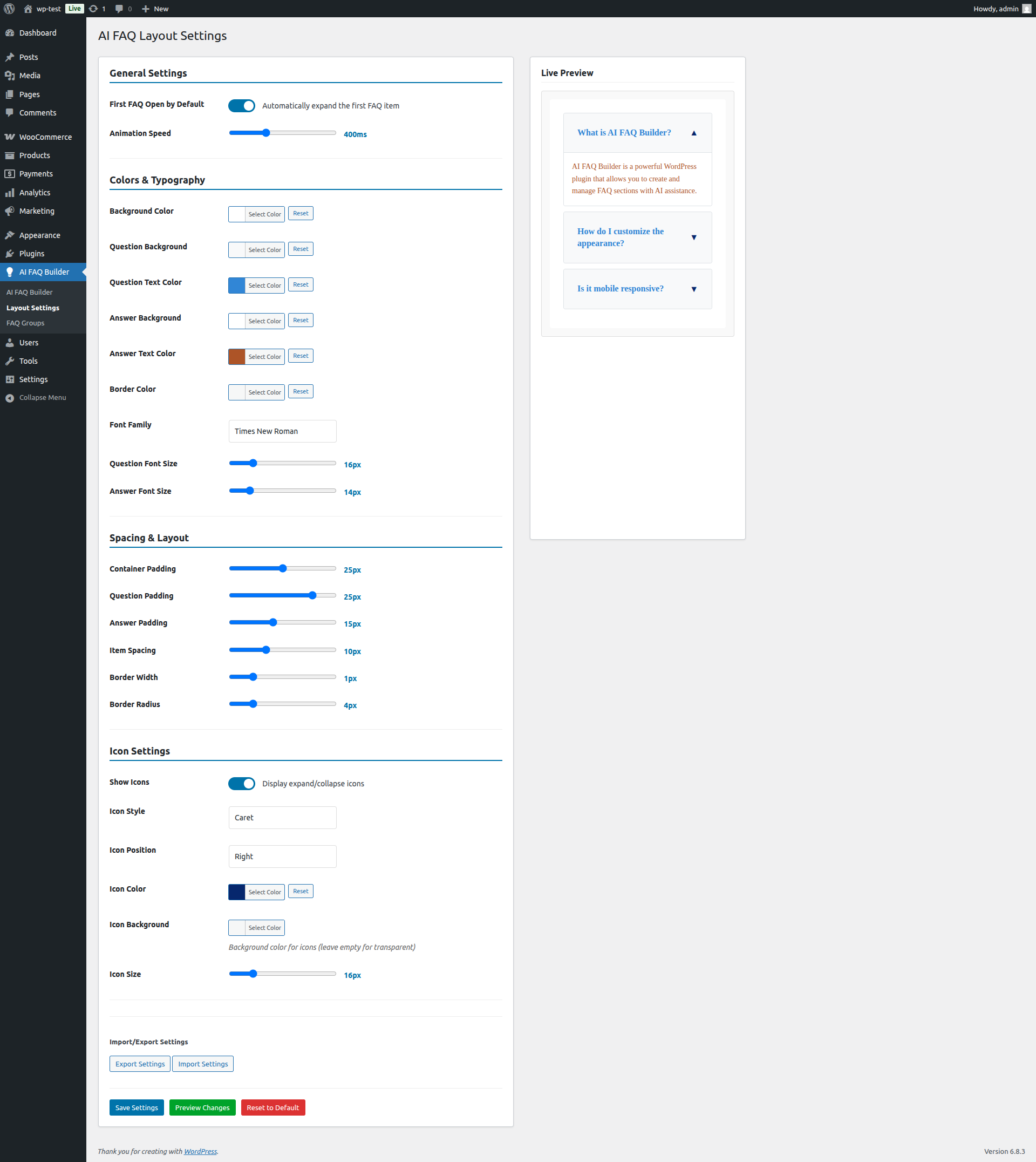
FAQ Groups list in admin 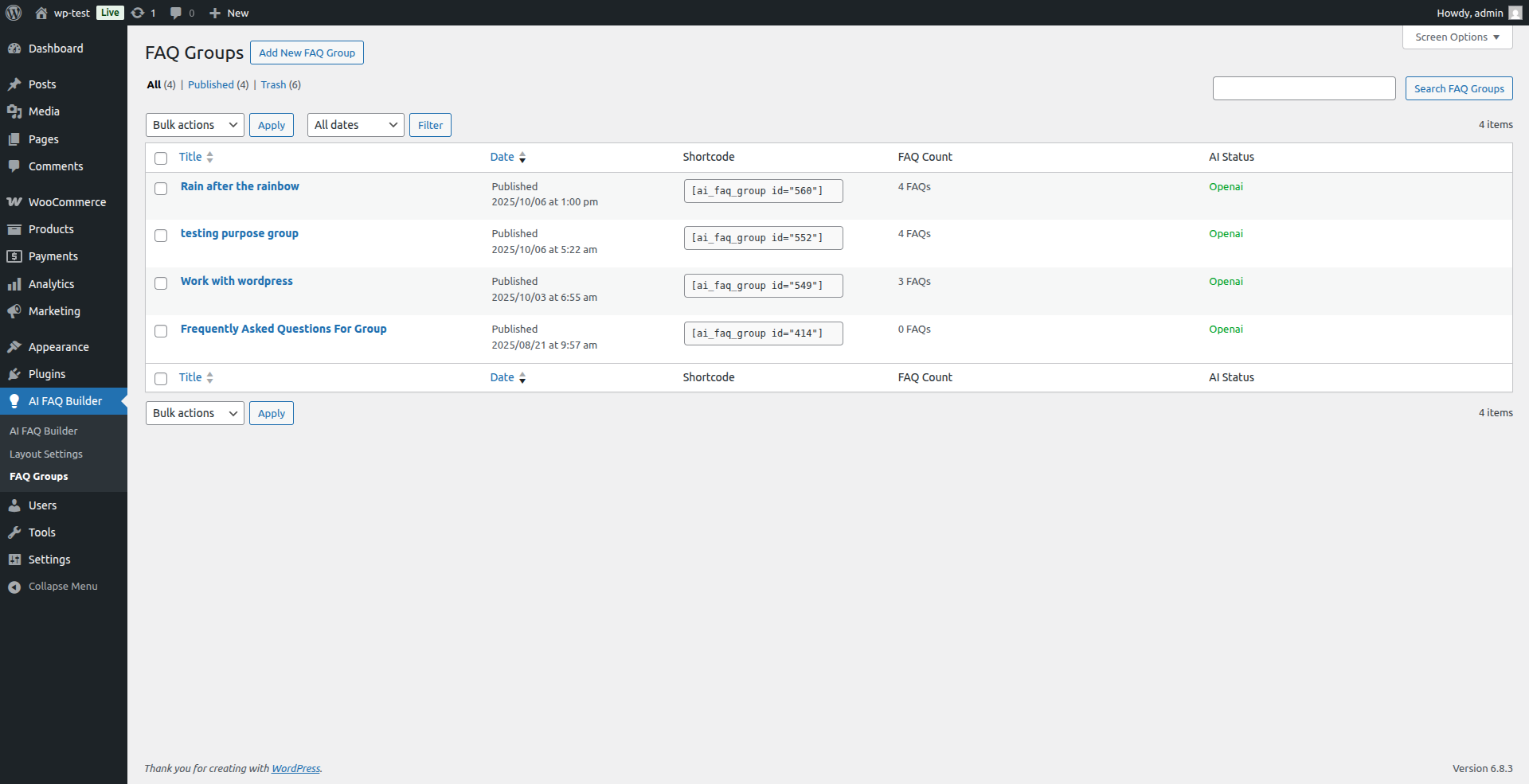
FAQ display in card layout 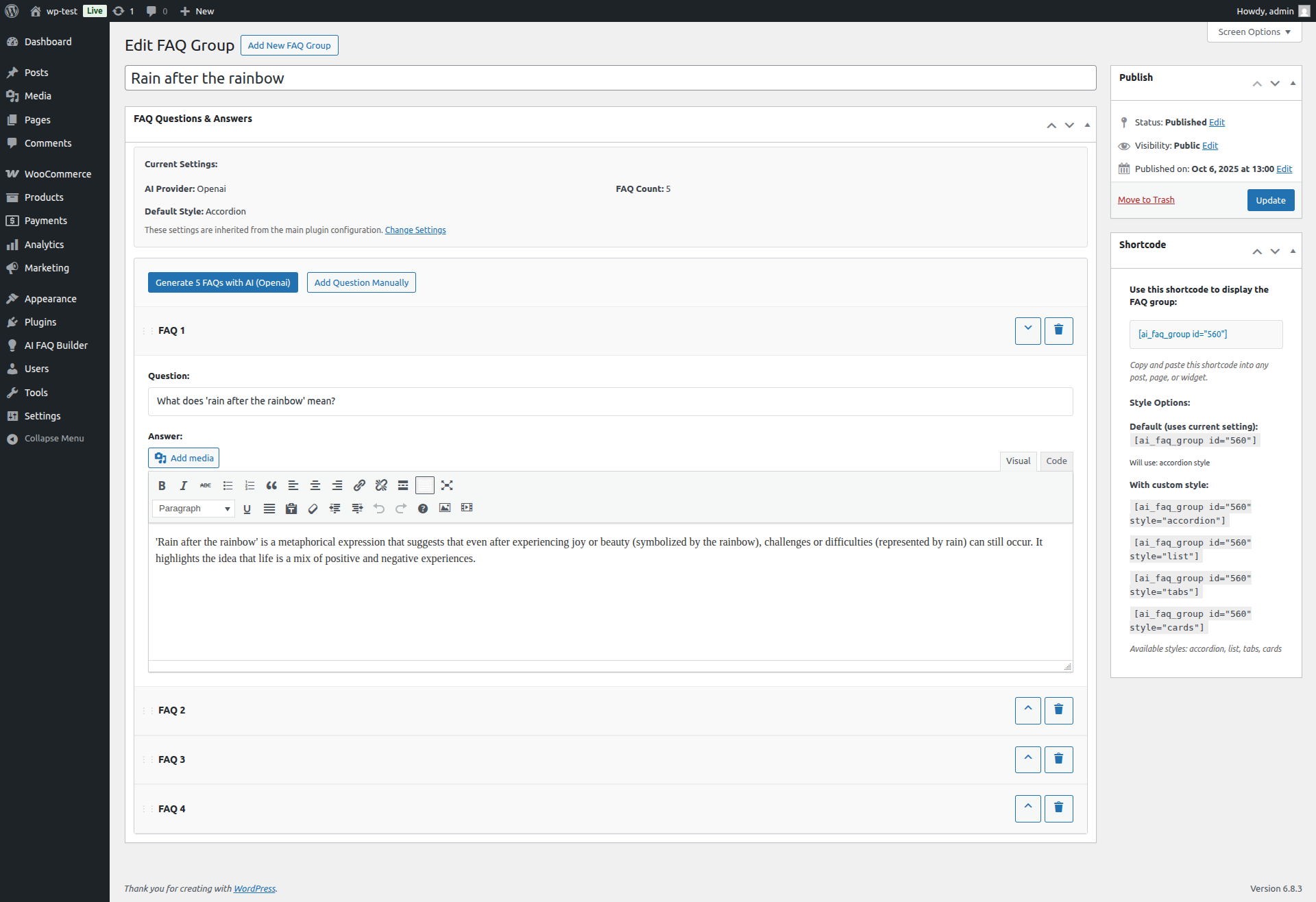
FAQ display in tab layout 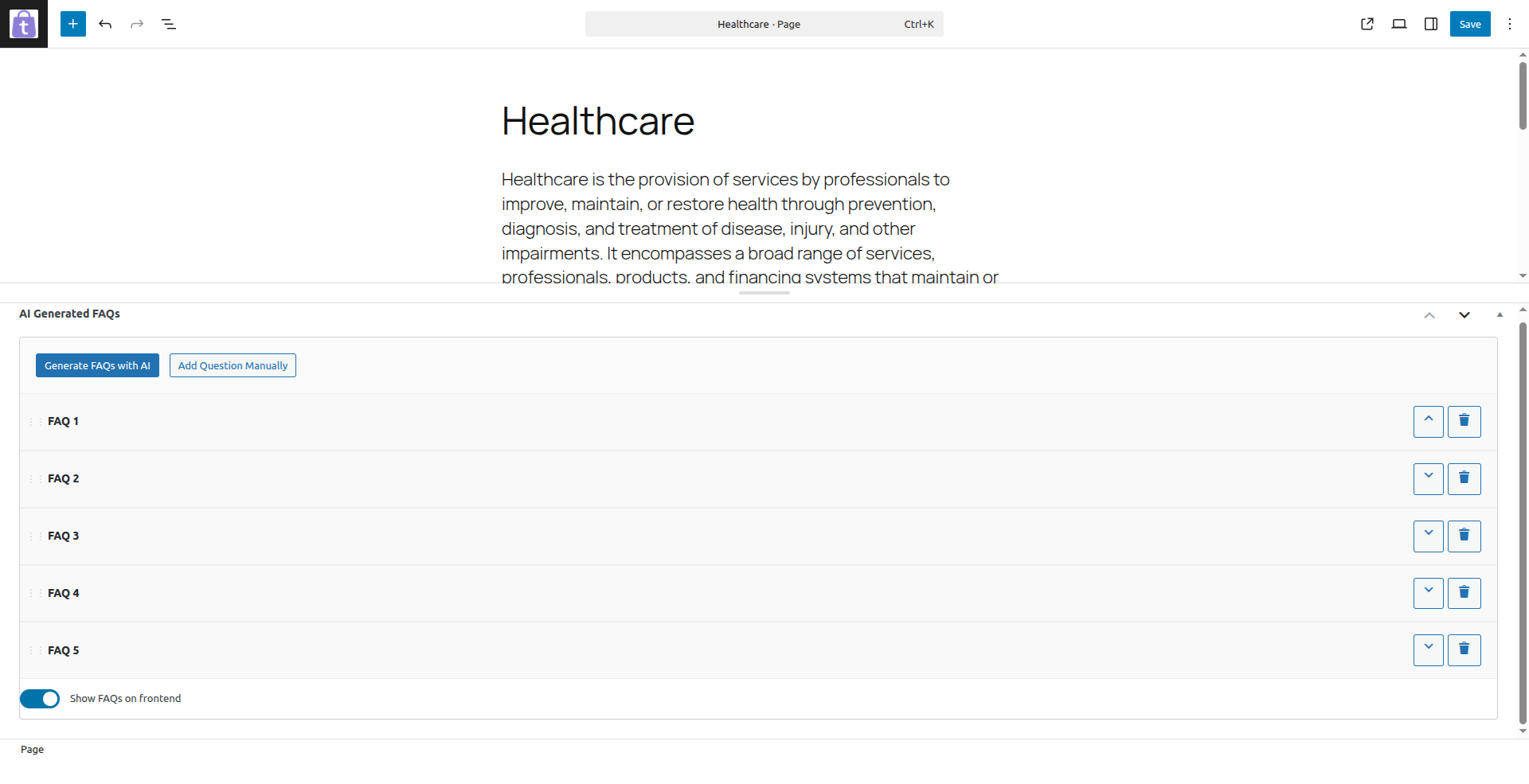
FAQ display in list layout 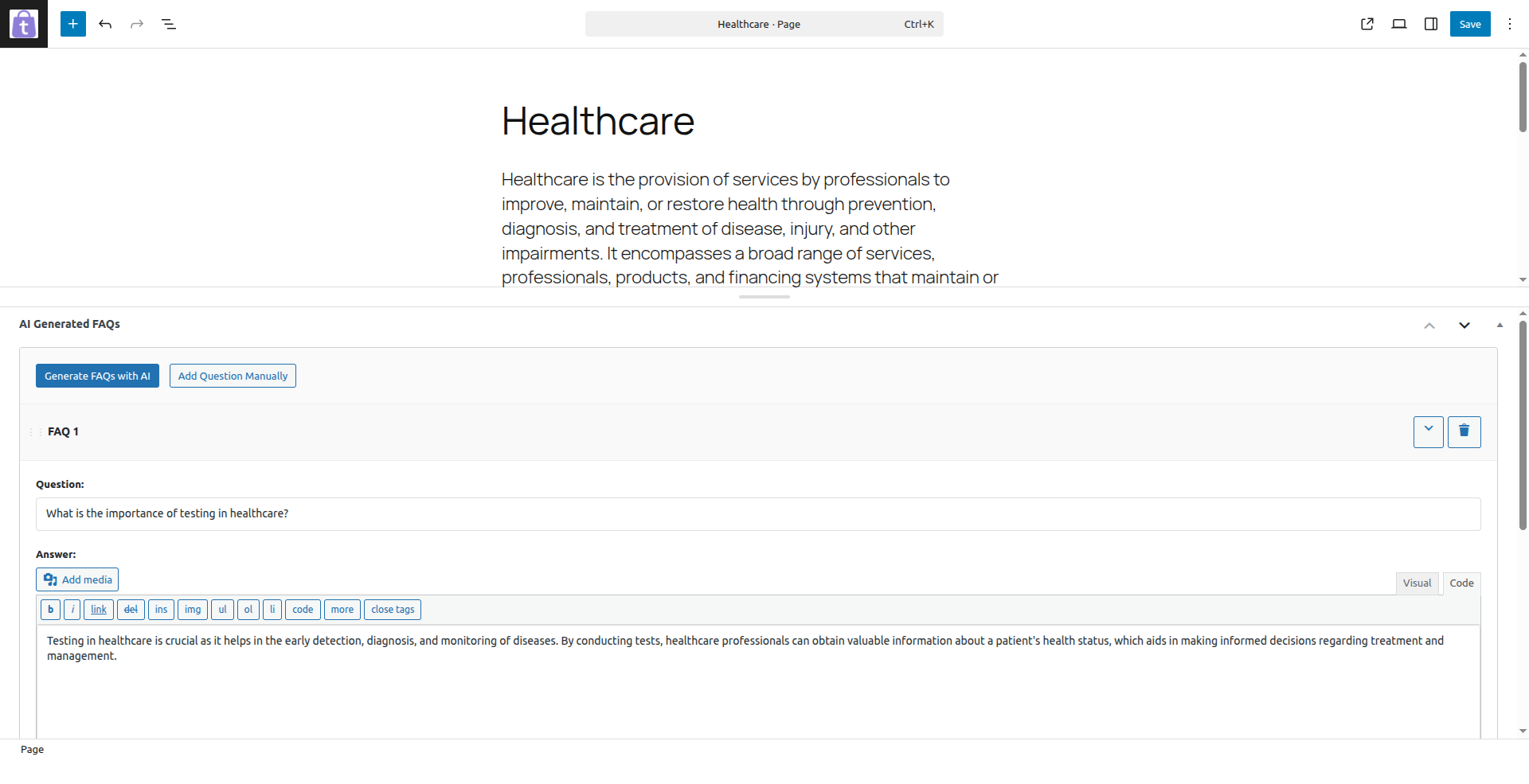
FAQ display in accordion layout 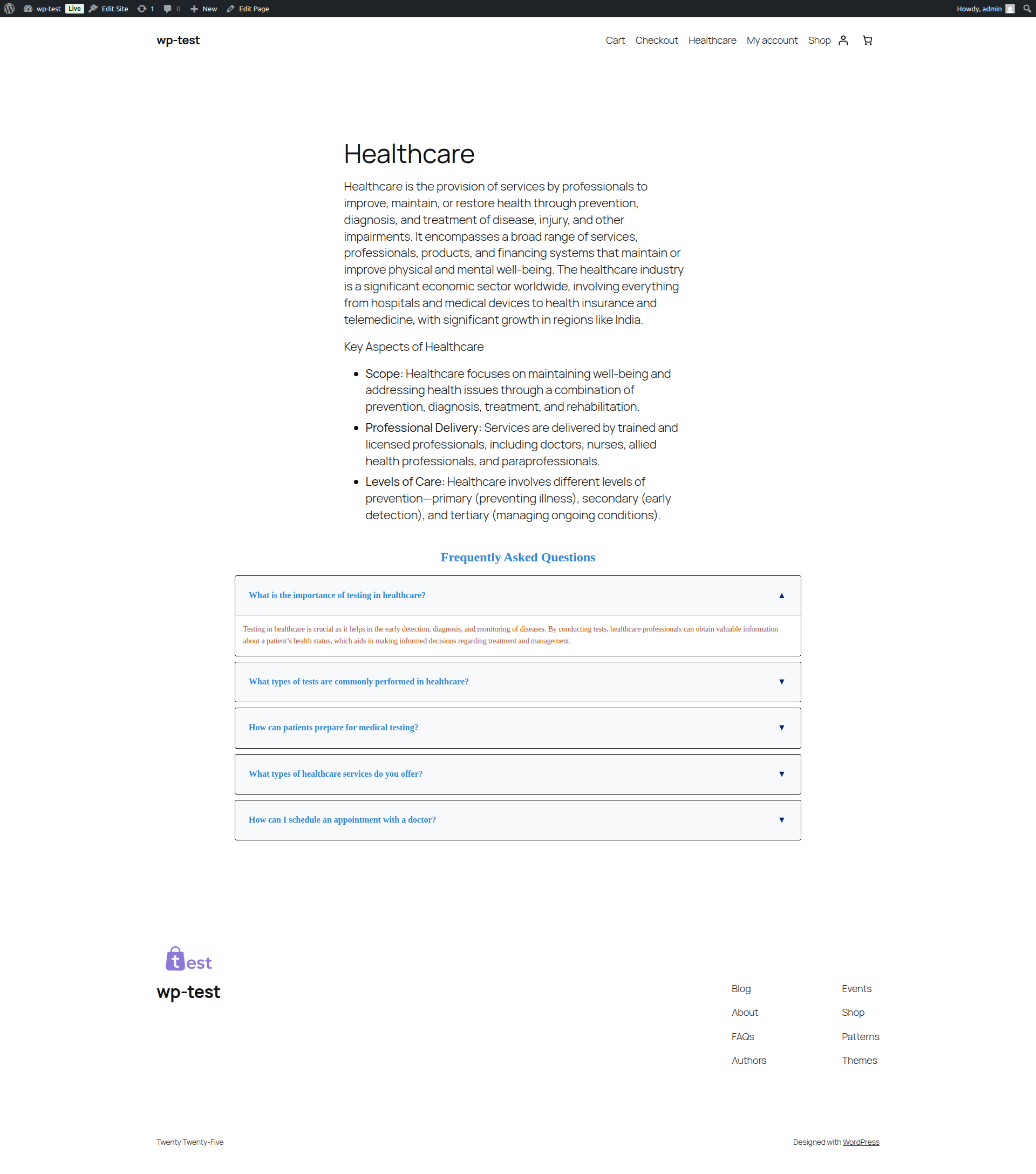
Layout customization settings 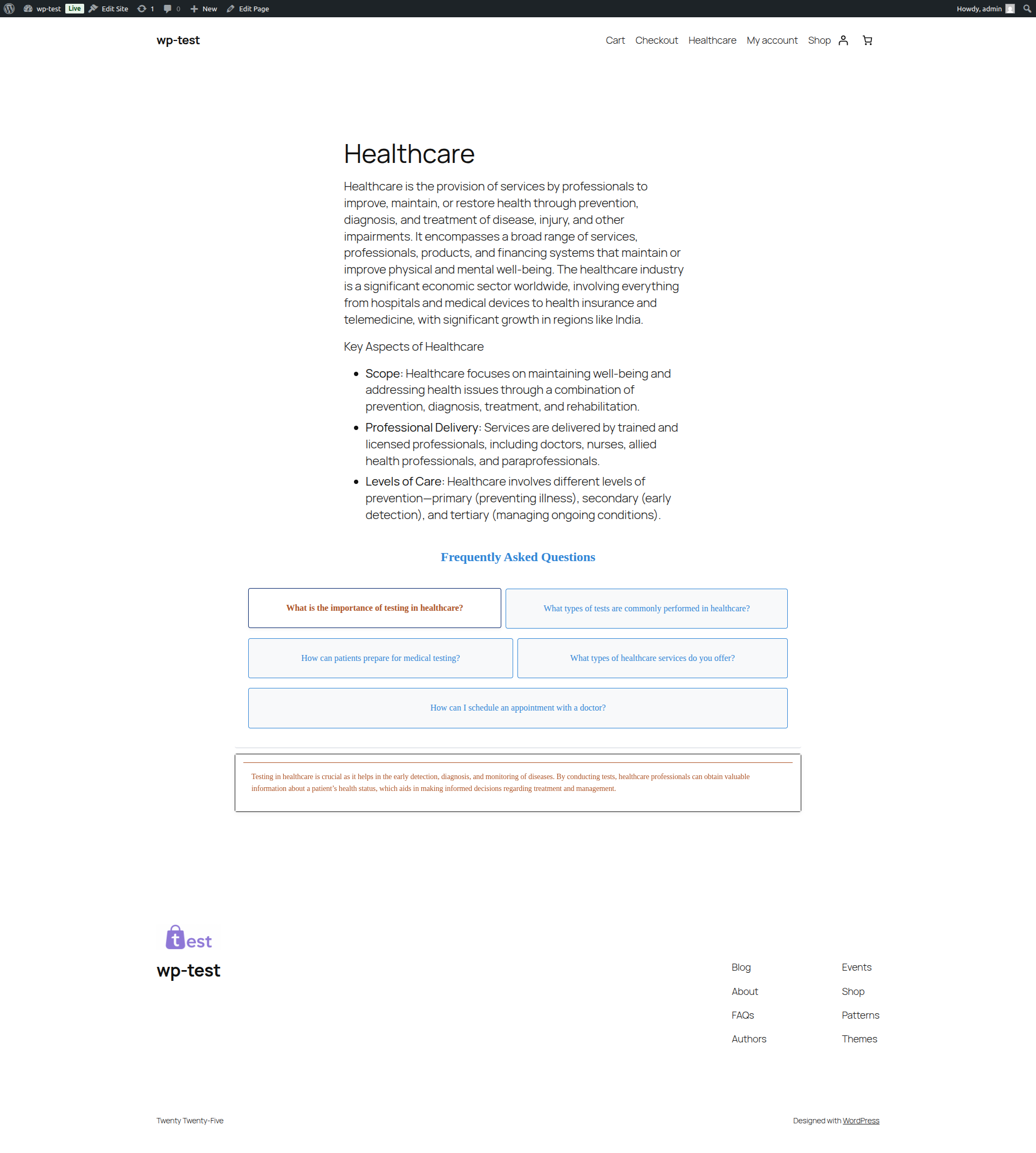
Telepítés
- Upload the plugin files to the
/wp-content/plugins/logicrays-ai-faq-builderdirectory, or install the plugin through the WordPress admin screen. - Activate the plugin through the ‘Plugins’ screen in WordPress.
- Go to ‘AI FAQ Builder’ in the admin menu to configure your AI API settings.
- Add the shortcode
[logicrays_ai_faq_builder](or[logrfaq_builder]) to any post or page.
GYIK
-
How do I display FAQs on a post or page?
-
Use
[logicrays_ai_faq_builder]or[logrfaq_builder]shortcode in your content. -
Does this plugin support FAQ schema for SEO?
-
Yes. The plugin outputs FAQPage JSON-LD schema for rendered FAQs, including supported FAQ shortcodes.
-
Which AI providers are supported?
-
OpenAI and Google Gemini are supported. Add your API key in plugin settings.
-
Why are FAQs not visible on frontend?
-
Make sure FAQs are generated and the „Show FAQs on frontend” option is enabled for that post/page/product.
-
Can I create reusable FAQ groups?
-
Yes. Create FAQ Groups and render them with
[logrfaq_group id="123"].
Vélemények
Nincsenek értékelések erről a bővítményről.
Közreműködők és fejlesztők
“Logicrays AI FAQ Builder” egy nyílt forráskódú szoftver. A bővítményhez a következő személyek járultak hozzá:
Közreműködők

“Logicrays AI FAQ Builder” fordítása a saját nyelvünkre.
Érdekeltek vagyunk a fejlesztésben?
Browse the code, check out the SVN repository, or subscribe to the development log by RSS.
Változási napló
1.0.1
- Fixed the faq toggle up/down issue.
- Added FAQPage JSON-LD schema output for FAQs rendered on posts/pages/products and supported FAQ shortcodes.
1.0.0
- Initial release.