
Leírás
Link Shortner helps you to generate a short link and share any URL on or off of your WordPress website. Create links that look how you want using your own domain name!
Képernyőmentések
Telepítés
From the admin panel, Go to your WordPress Admin -> Plugins -> Add New. Search for Link Shortener. Install and Activate.
From directories, Upload Link Shortener to the /wp-content/plugins/ directory and activate the plugin through the ‘Plugins’ menu in WordPress
GYIK
-
How to generate a short link
-
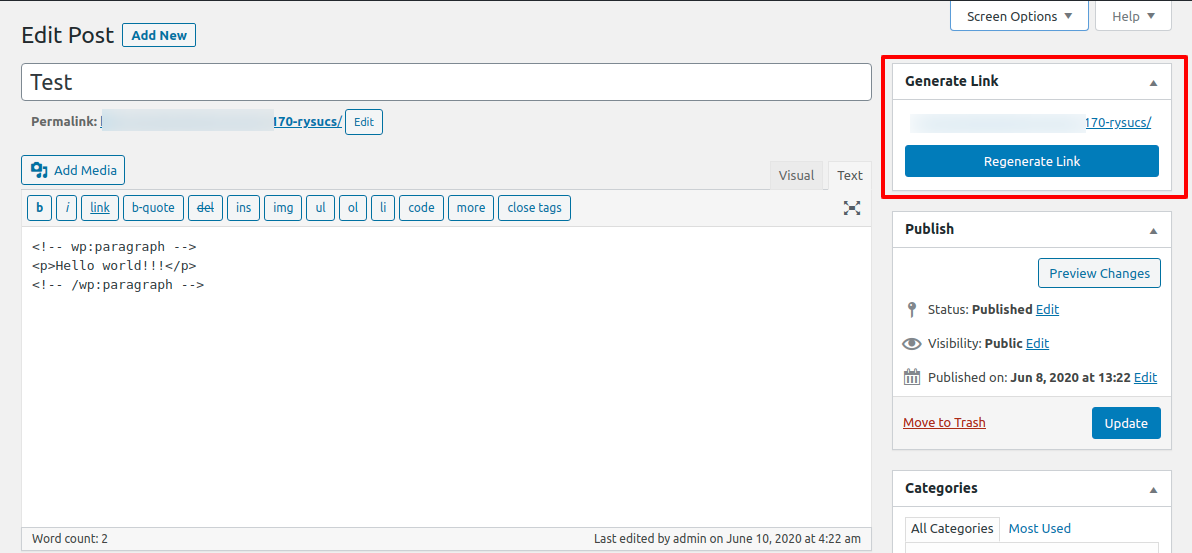
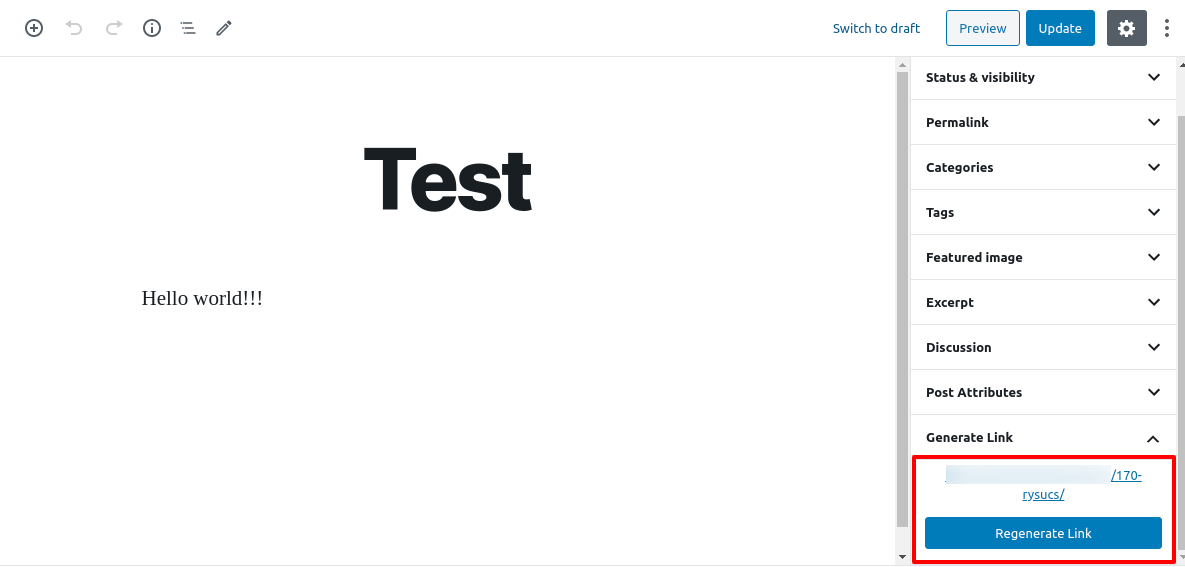
After installing Link Shortner you need to go to post section where you can see the Regenerate link button.
Vélemények


Közreműködők és fejlesztők
“Link Shortner” egy nyílt forráskódú szoftver. A bővítményhez a következő személyek járultak hozzá:
Közreműködők

“Link Shortner” 2 nyelvre lett lefordítva. Köszönet a fordítóknak az áldozatos munkájukért!
“Link Shortner” fordítása a saját nyelvünkre.
Érdekeltek vagyunk a fejlesztésben?
Browse the code, check out the SVN repository, or subscribe to the development log by RSS.
Változási napló
1.0
- Initial release.