

Leírás
You have beautiful pictures and you want to whole world to see them? Why not adding the Pinterest Save Button so that your visitors are able to share your pictures on their Pinterest account? This plugin makes it super easy. Install, setup, done!
Képernyőmentések
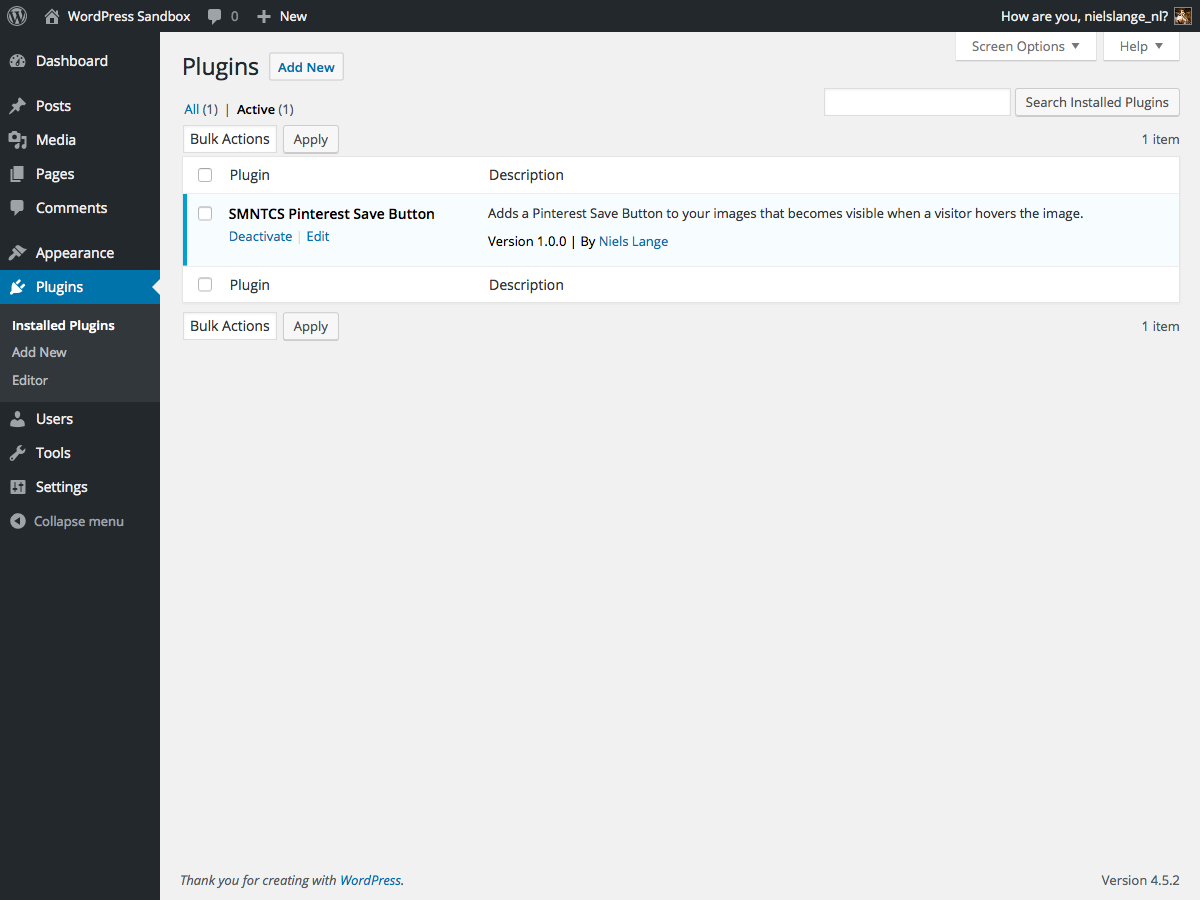
 → Customize.” class=”wp-image-9000002″ srcset=”https://i0.wp.com/ps.w.org/smntcs-pinterest-save-button/assets/screenshot-2.png?rev=2034118&w=300 300w, https://i0.wp.com/ps.w.org/smntcs-pinterest-save-button/assets/screenshot-2.png?rev=2034118&w=600 600w, https://i0.wp.com/ps.w.org/smntcs-pinterest-save-button/assets/screenshot-2.png?rev=2034118&w=900 900w” sizes=”(max-width: 599px) 50vw, 33vw” width=”1200″ height=”900″ loading=”eager” fetchpriority=”high” decoding=”async”/>
Apperance Customize.
Telepítés
- Upload
smntcs-pinterest-save-buttonto the/wp-content/plugins/directory. - Activate the plugin through the
Pluginsmenu in WordPress. - Go to
Apperance»Customize. - Activate the Pinterest Save Button.
- Adjust settings based on your needs.
Vélemények
Nincsenek értékelések erről a bővítményről.
Közreműködők és fejlesztők
“SMNTCS Pinterest Save Button” egy nyílt forráskódú szoftver. A bővítményhez a következő személyek járultak hozzá:
Közreműködők
“SMNTCS Pinterest Save Button” 4 nyelvre lett lefordítva. Köszönet a fordítóknak az áldozatos munkájukért!
“SMNTCS Pinterest Save Button” fordítása a saját nyelvünkre.
Érdekeltek vagyunk a fejlesztésben?
Browse the code, check out the SVN repository, or subscribe to the development log by RSS.
Változási napló
1.8 (2025.03.23)
- Test up to WordPress 6.8
1.7 (2023.12.24)
- Test up to WordPress 6.4
1.6 (2022.12.03)
- Test up to WordPress 6.1
1.5 (2020.01.02)
- Test up to WordPress 5.3
1.4 (2019.12.30)
- Test up to WordPress 5.2
1.3 (2019.06.30)
- Test up to WordPress 5.1
1.2 (2019.02.19)
- Correct text domain
1.1 (2019.01.14)
- Add text domain
1.0 (2016.07.20)
- Initial release