
Leírás
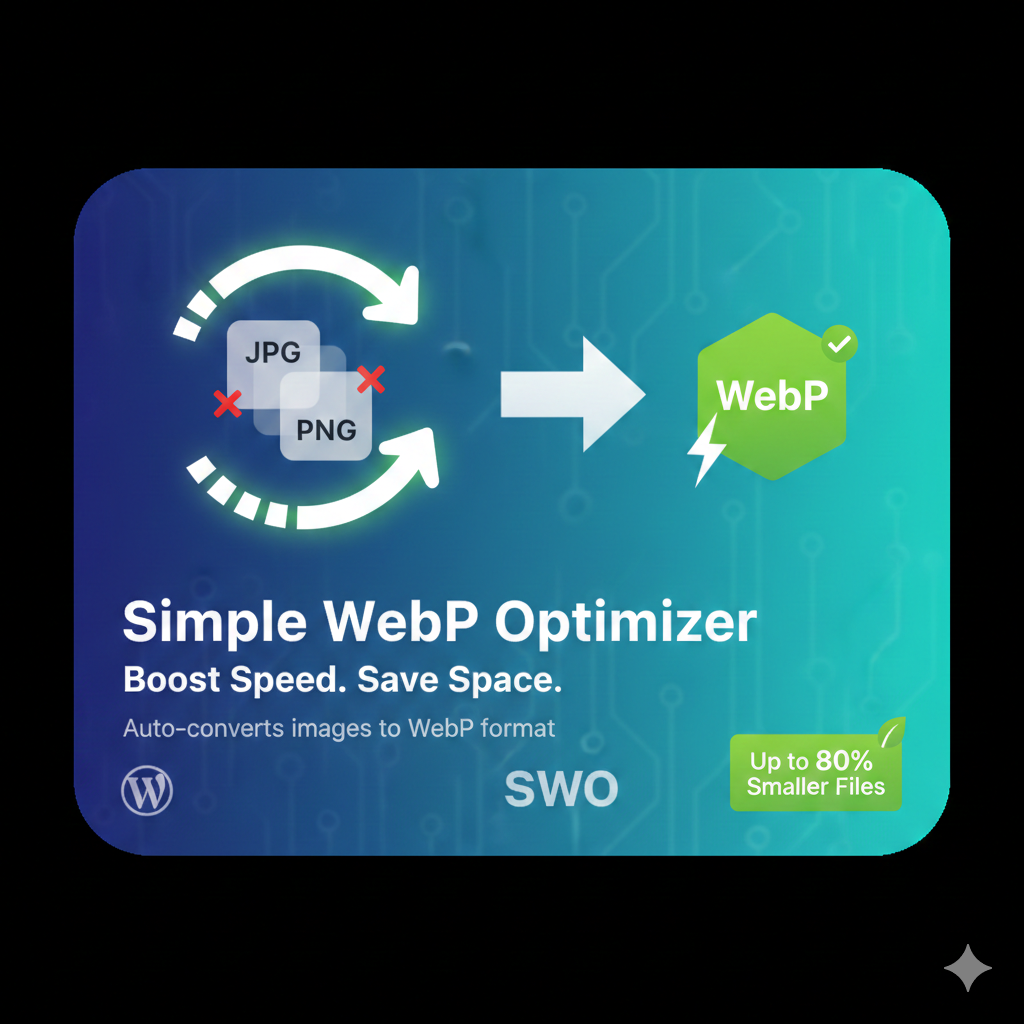
Automatically converts your JPEG and PNG uploads into Google’s WebP format. This plugin reduces image file sizes by up to 80% without sacrificing visual quality.
Telepítés
- Upload the
simple-webp-optimizerfolder to the/wp-content/plugins/directory. - Activate the plugin through the ‘Plugins’ screen in WordPress.
- Go to Settings -> WebP Optimizer to configure.
Vélemények
Nincsenek értékelések erről a bővítményről.
Közreműködők és fejlesztők
“Simple WebP Optimizer” egy nyílt forráskódú szoftver. A bővítményhez a következő személyek járultak hozzá:
Közreműködők
“Simple WebP Optimizer” fordítása a saját nyelvünkre.
Érdekeltek vagyunk a fejlesztésben?
Browse the code, check out the SVN repository, or subscribe to the development log by RSS.
Változási napló
2.0
- Initial public release with bulk optimization support.