
Leírás
This lightweight plugin adds a copy button that copies the current page URL and shows a tooltip saying „Copied!”.
Features:
- Shortcode:
[copy_url_button] - Lightweight and fast
- Stylish tooltip that fades in/out
- No configuration required
Képernyőmentések
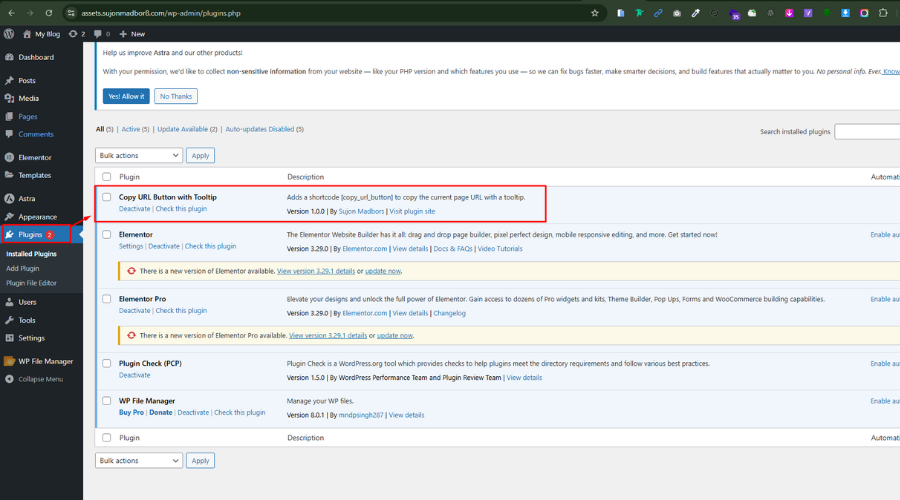
Copy button with tooltip in action. 
Telepítés
- Upload the plugin files to the
/wp-content/plugins/copy-url-button-with-tooltipdirectory, or install the plugin through the WordPress admin area. - Activate the plugin through the ‘Plugins’ menu in WordPress.
- Use the
[copy_url_button]shortcode anywhere on your site.
GYIK
-
Can I use it anywhere?
-
Yes, the shortcode
[copy_url_button]can be used in posts, pages, widgets, or templates usingdo_shortcode().
Vélemények

2025.05.31.
Simple and effective! The „Copy URL Button with Tooltip” plugin does exactly what it promises—adds a clean copy-to-clipboard button with a helpful tooltip. Lightweight, easy to use, and perfect for quickly copying a URL and sharing.
Közreműködők és fejlesztők
“Copy URL Button with Tooltip” egy nyílt forráskódú szoftver. A bővítményhez a következő személyek járultak hozzá:
Közreműködők
“Copy URL Button with Tooltip” fordítása a saját nyelvünkre.
Érdekeltek vagyunk a fejlesztésben?
Browse the code, check out the SVN repository, or subscribe to the development log by RSS.
Változási napló
5.2.2
- Initial release